Using Nisaba
Mindmap and Delta
See your library as a map of topics, or fly through it as a 3D world.
See categories and saves as a map, for the moments when a list is not enough. Delta shows the same library as a 3D world.
The map
- Open Mindmap in the sidebar.
- Group by Category, Tag or Workspace, and choose to show All bookmarks, Pinned or Unread.
- Click a topic to see what is inside. Click a bookmark to preview it.
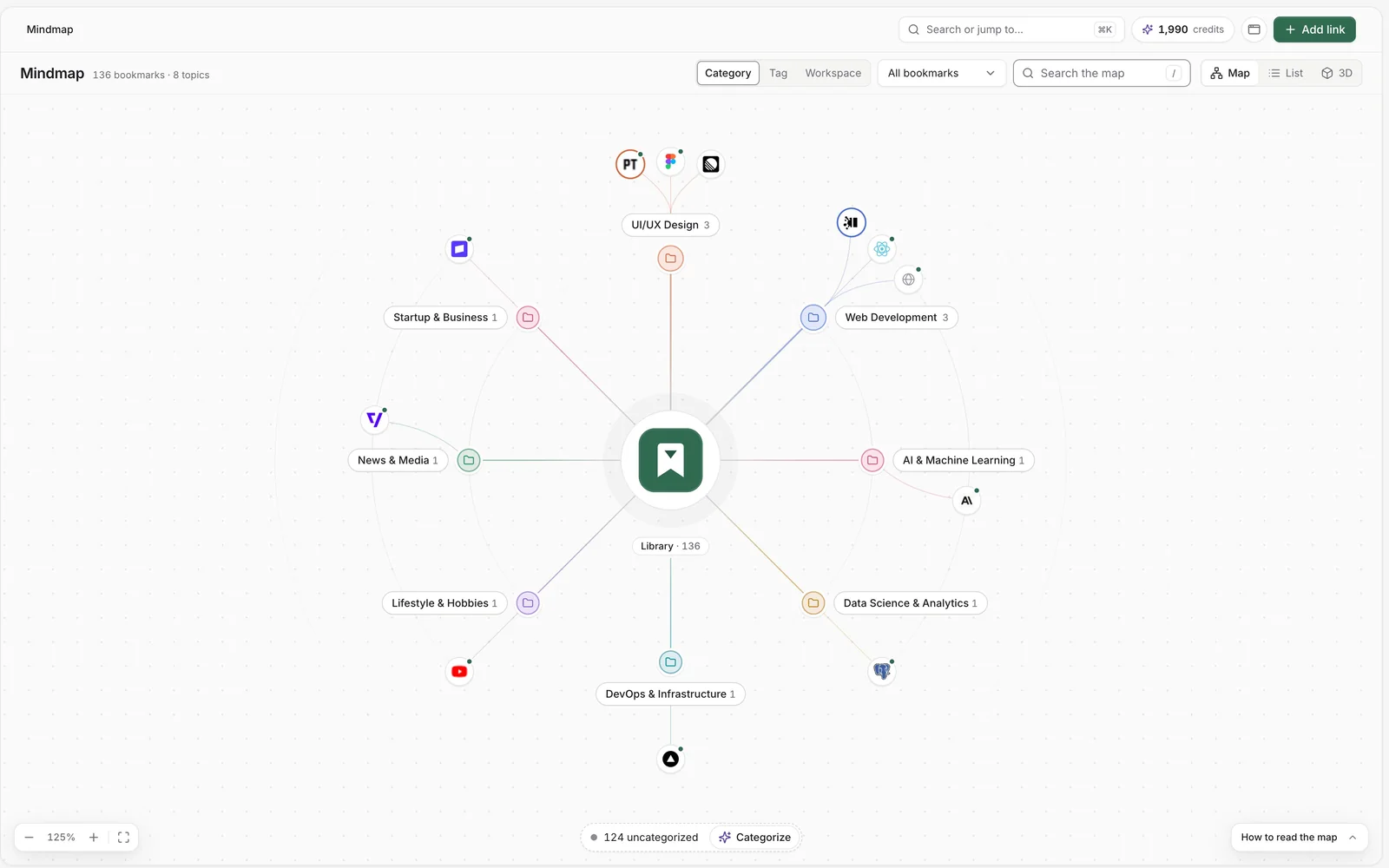
- Drag to pan, and scroll or pinch to zoom.
- Search the map finds topics with matching bookmarks.
- How to read the map explains the marks for topics, bookmarks, pinned, unread and new items.
- List shows the same content as plain text.
- Ask about this topic starts a question about one topic in Ask.
With the keyboard, the arrow keys pan, plus and minus zoom and 0 fits the whole map. Tab moves between topics, Enter opens one and Escape goes back.
Tip: Bookmarks that are not categorized yet sit in one group. Choose Categorize at the bottom of the map to sort them with AI, which uses AI credits, or group by tag or workspace instead.
Delta, your library as a world
Delta turns your library into a 3D world you can fly through, on every plan including Free. Topics are islands, and each bookmark is a tablet on its island.
- In Mindmap, choose 3D.
- Fly with W A S D. Press F to read or open what is in front of you, and M for the 2D Atlas.
- Click or tap an island or a tablet to fly there. Drag to look around.
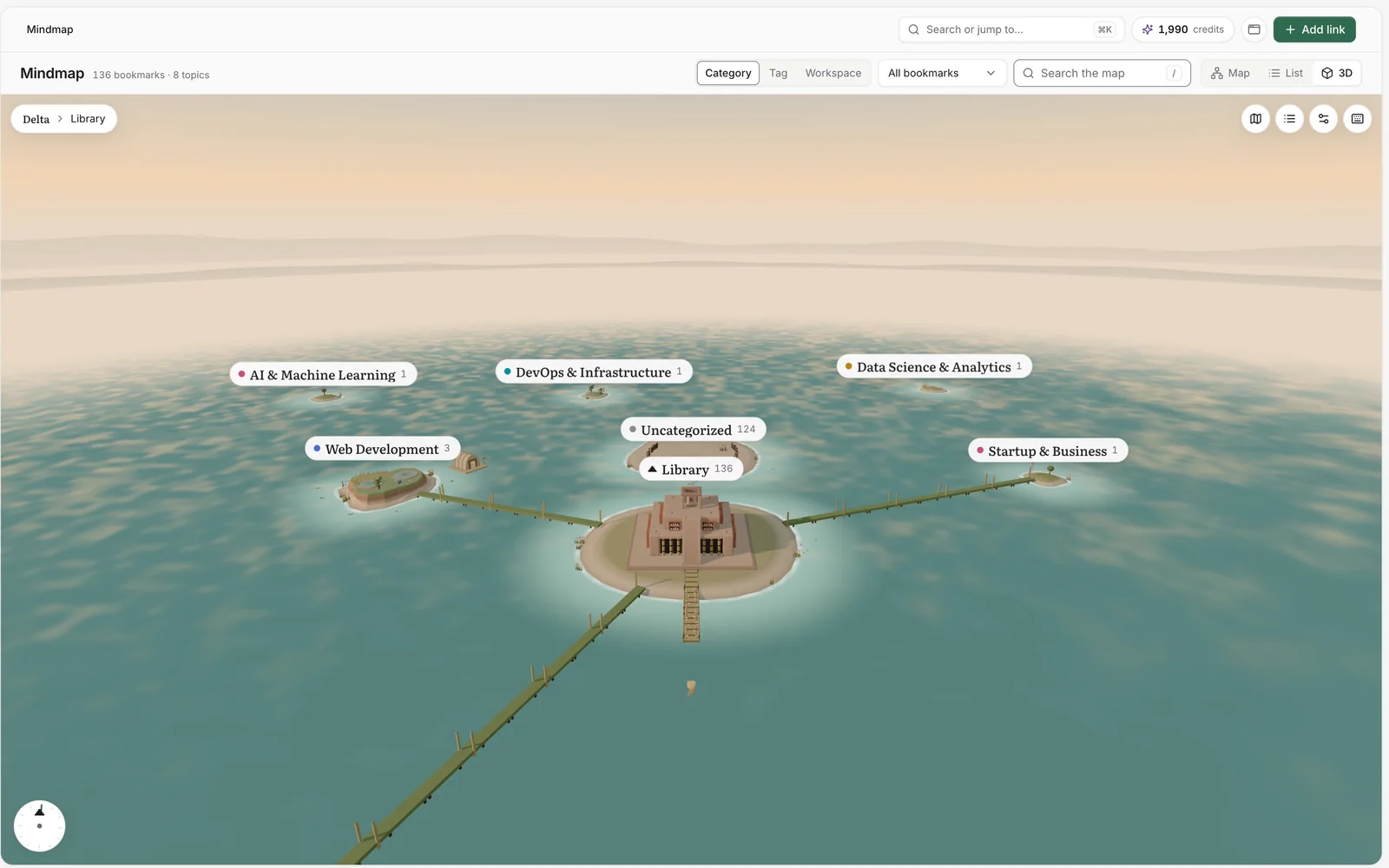
- World settings set the Quality and turn on Comfort mode: slower turns, no zoom at speed and a soft edge on quick turns.
- Workspace lens and Tag lens light up a workspace or a tag and ring the islands that belong to it. Nothing moves.
- The compass flies you back to the library.
Note: If the 3D view is not available on your device, Nisaba shows the map instead. If it runs slowly, you can switch to the map.
Last updated: